MiniPRO TL866 Programmer on Debian Linux
Contents
The XGecu MiniPRO TL866 is a popular, inexpensive universal programmer for EPROMs, EEPROMs, flash memories, microcontrollers and GAL chips. The manufacturer only ships Windows software, but on Linux the open-source command-line tool minipro, developed by David Griffith, works very well. The steps below were tested on Debian 13 (Trixie, gcc 14) and also work on older Debian releases and Debian-based distributions (Ubuntu, Mint, Raspberry Pi OS).
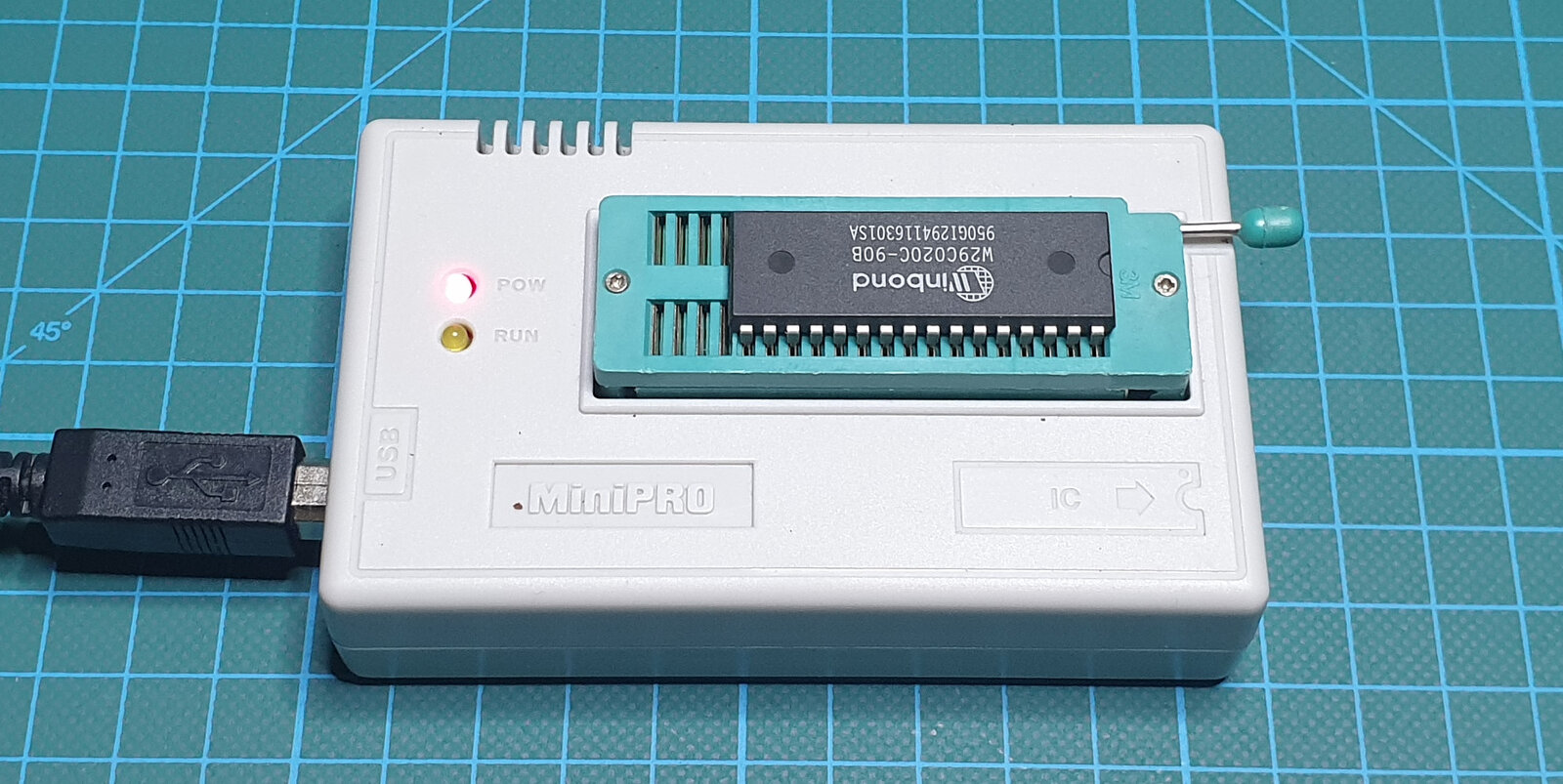
Updated version
This is an updated version of a tutorial I published in January 2021. Since then, minipro has gained support for newer XGecu programmers, and the build needs one more package (zlib1g-dev).
Supported programmers
The current minipro release (0.7.4) supports:
- TL866A and TL866CS,
- TL866II+,
- T48, T56 and T76.
Required packages
sudo apt update
sudo apt install build-essential pkg-config git libusb-1.0-0-dev zlib1g-dev
Downloading and building
The source code is on GitLab:
git clone https://gitlab.com/DavidGriffith/minipro.git
cd minipro
make
sudo make install
make install copies the program to /usr/local/bin and the chip database to /usr/local/share/minipro, and also installs the manual page (man minipro) and bash command completion.
To upgrade to a newer version later, run this in the same directory:
git pull
make
sudo make install
Extra step for the T56
The T56 does not store its FPGA algorithms in the programmer; the computer loads them instead. For copyright reasons they are not included in minipro, but the build can download them from the official XGecu software:
make algorithm
sudo make install-algorithm
Other programmers do not need this step.
USB access without root
Without udev rules, minipro only works with sudo. The rules from the repository give a regular user access to the programmer:
sudo cp udev/60-minipro.rules /etc/udev/rules.d/
sudo udevadm control --reload-rules
sudo udevadm trigger
On a desktop system this is enough, because the rule grants access to the logged-in user through the uaccess tag. If you use minipro over SSH or on a headless machine, also add your user to the plugdev group:
sudo usermod -a -G plugdev $USER
The group change takes effect after you log in again. There is no need to reboot; just unplug the programmer and plug it back in.
Checking the installation
minipro -V
The output shows the version and the number of supported chips per programmer. Without a programmer connected, the top of the output reads:
Supported programmers: TL866A/CS, TL866II+, T48, T56, T76
No programmer found.
minipro version 0.7.4     A free and open TL866 series programmer
With the programmer connected, “No programmer found.” is replaced by the model and firmware version.
Usage examples
The examples use the Winbond W29C020C flash memory from the photo.
Search the database for the exact chip name:
minipro -L W29C020
If no programmer is connected, minipro asks which database to search. You can also name the programmer with the -q option, e.g. minipro -q tl866a -L W29C020.
Read the chip into a file:
minipro -p W29C020C -r test_w29c020c.bin
Erase the chip, check that it is blank, and write a file:
minipro -p W29C020C -E
minipro -p W29C020C -b
minipro -p W29C020C -w test_w29c020c.bin
All options are described in the manual: man minipro.
Tip
The -t option runs a self-test of the programmer itself. Remove the chip from the ZIF socket before running it.
Uninstalling
In the source directory:
sudo make uninstall
sudo rm -f /etc/udev/rules.d/60-minipro.rules